The Google Verification Hurdle: How to Get Your Business Verified
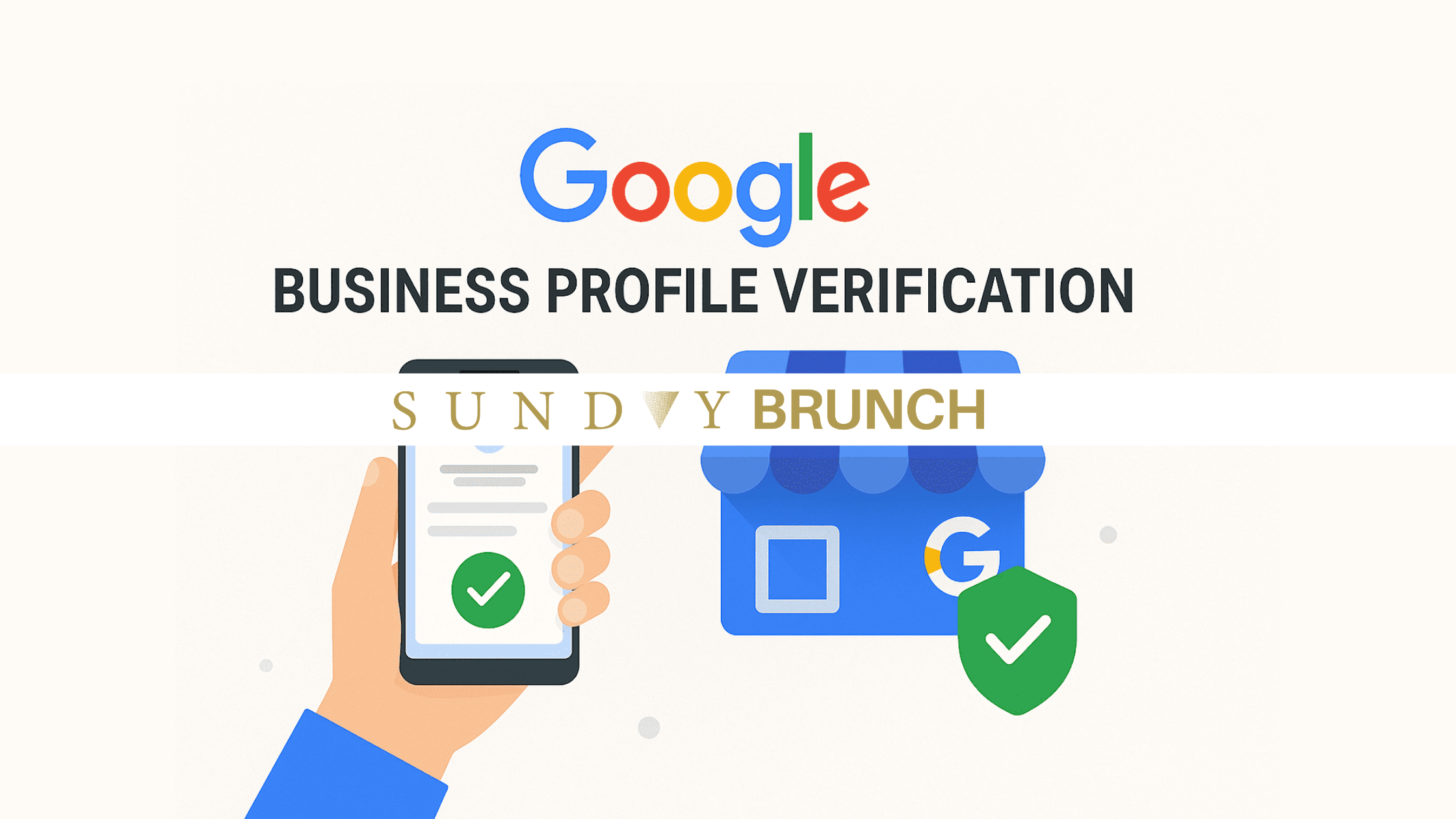
The Problem: Google Verification Is No Longer “Set It and Forget It”
If you’ve tried to set up or update your Google Business Profile recently, you’ve probably hit a wall.
No postcard.
No instant approval.
Instead? A video verification request that feels vague, technical, and easy to mess up.
We see this constantly with clients—from founders to high-level executives. The biggest frustration isn’t just the requirement—it’s the lack of clarity on what Google actually wants. And when you get it wrong?
- Delays
- Rejections
- Lost visibility
Why This Matters (More Than You Think)
Your Google Business Profile is not optional—it’s foundational infrastructure.
It directly impacts:
Google Search visibility
Google Maps placement
Local SEO rankings
Credibility with new customers
Ad performance (especially for local campaigns)
No verification = you don’t exist in Google’s ecosystem. For brands investing in growth, media, and visibility—this is a non-negotiable step.
Can You Get Verified Without a Video?
Sometimes—yes. But increasingly, no. Google may offer alternative methods like:
Postcard verification
Phone or email verification
Instant verification (rare, usually for established domains)
However, in 2026, video verification is becoming the default, especially for:
Service-based businesses
Home offices
New profiles
Profiles without strong digital history
Important:
If video verification is required, it must be recorded live, in real time, directly within your Google Business Profile account.
Pre-recorded or uploaded videos are not accepted.
*PRO TIP: assume you’ll need to do the video—and prepare to do it right the first time
Exactly How to Get Verified (Step-by-Step)
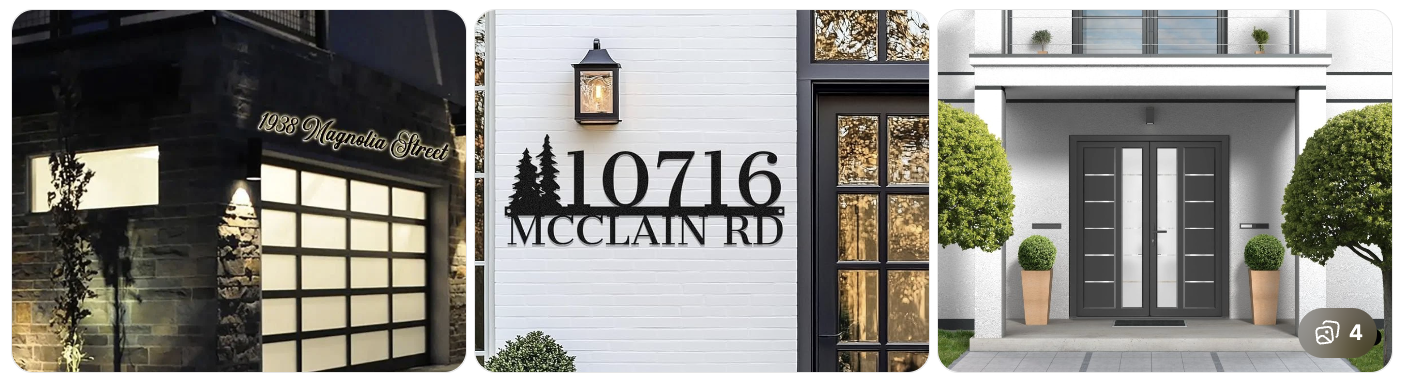
1. Start Outside (Location Proof — 5–10 seconds)
Show street sign + building exterior
Capture address numbers if possible
No signage? Totally fine—just clearly show the entrance
*PRO TIP: Say this out loud: “[Business Name], located in [City, State]”
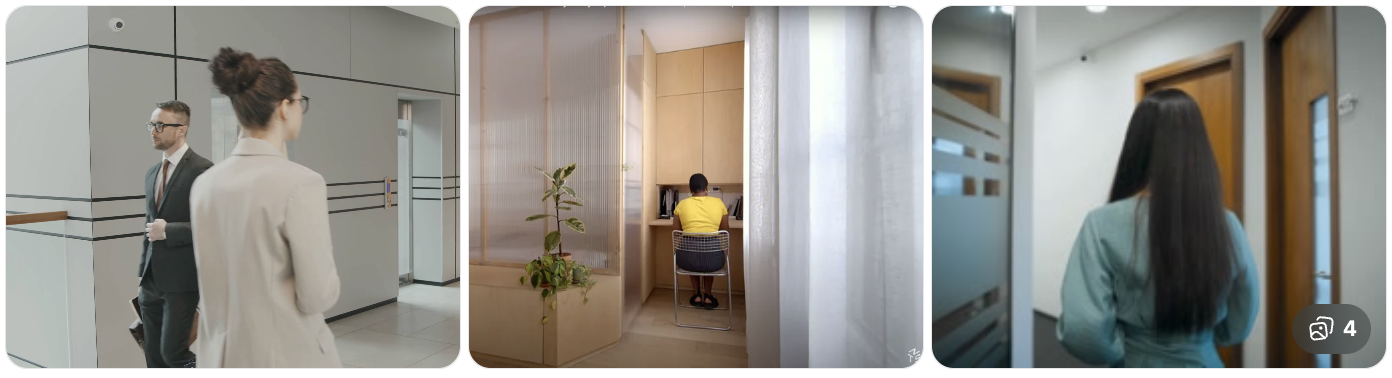
2. Walk Inside (Continuity Shot — 10–15 seconds)
One continuous video (no cuts, no edits)
Walk from outside → inside
This proves physical access
*PRO TIP: If you cut the video, you risk instant rejection
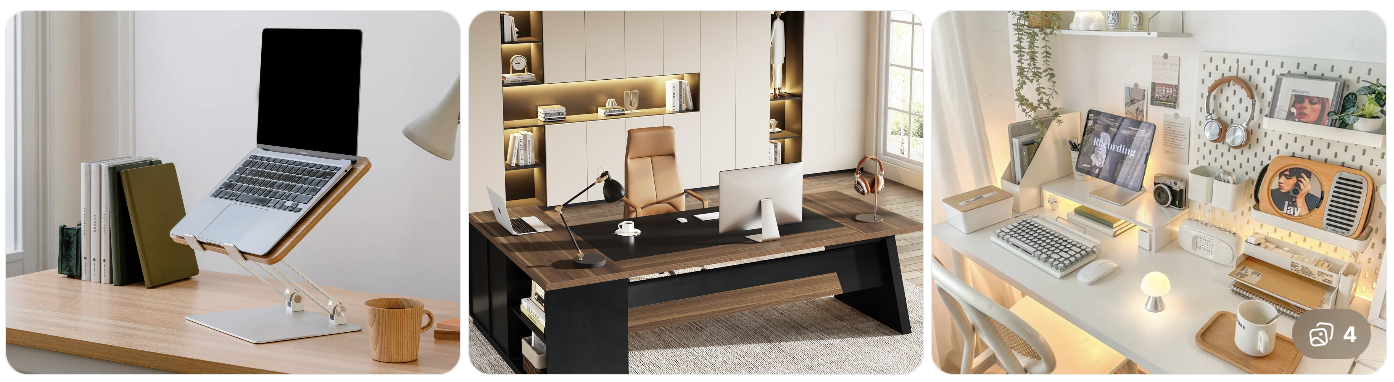
3. Show Your Workspace (Business Proof — 15–25 seconds)
Include at least 2–3 of these:
Laptop with:
Website open
Calendar with meetings
Client materials / decks
Notebooks, books, or tools of your trade
Any branded assets
*PRO TIP: A clean, intentional setup matters more than a “fancy” one
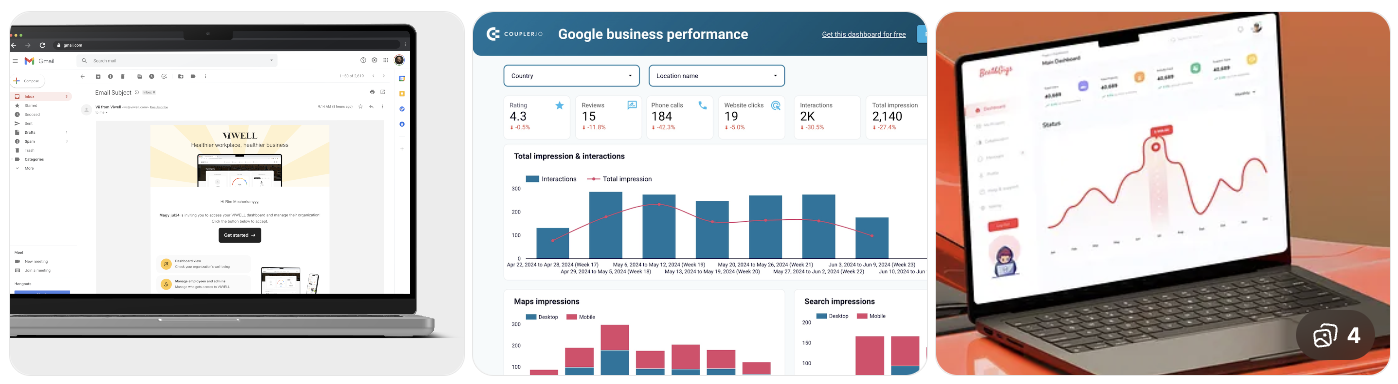
4. Show Proof of Management (CRITICAL — 10–15 seconds)
You MUST show one of these:
Logging into business email
Google Business Profile dashboard
Website backend
*PRO TIP: This proves you control the business—not just the space
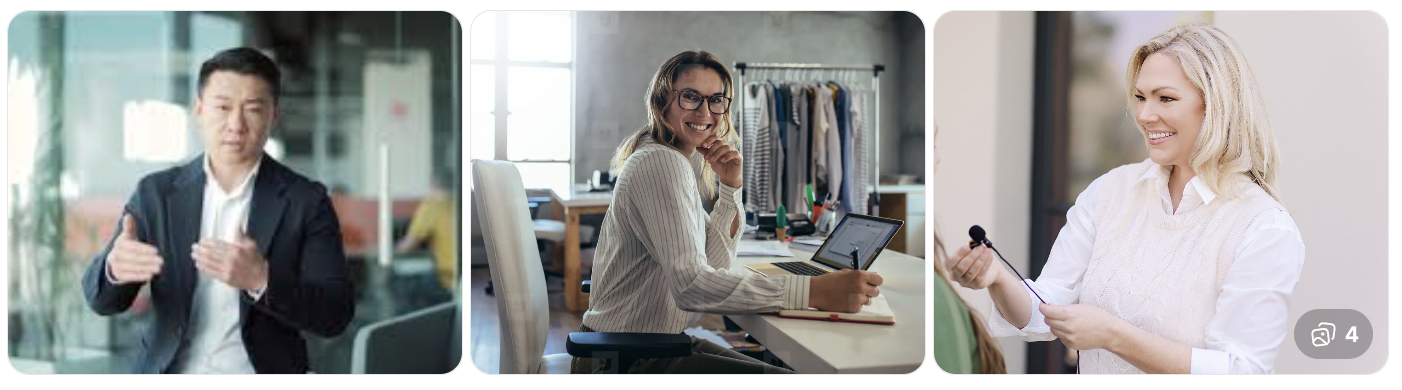
5. Close With Face + Voice (Trust Signal — 5–10 seconds)
Turn the camera toward you AND SAY: “Hi, I’m [Name], [Title] of [Business Name]. We provide [service].”
*PRO TIP: This humanizes the profile and strengthens trust signals
Common Mistakes (That Get You Rejected)
❌ No outdoor shot
❌ Jump cuts or edited footage
❌ Only showing a laptop (not enough proof)
❌ No login/account ownership proof
❌ Video too short (aim for 45–90 seconds total)
❌ Overproduced or “staged” content
Pro Tips (This Is Where We See Clients Win)
Keep it natural → Google favors authenticity over polish
Use your iPhone → no need for production equipment
Good lighting matters → clarity = credibility
Say your business name out loud → reinforces AI verification
Film in one take → even if imperfect
BONUS TipS
Your environment should match your positioning. If you’re:
Executive-level
Luxury brand
Consultant or advisor
Your space should feel:
Clean
Elevated
Intentional
Calm and confident
Think: “Top-tier operator” energy—not “temporary setup.”
Don’t Overthink It—But Don’t Wing It
This process is less about perfection and more about clarity, legitimacy, and control. The brands that get verified fastest are the ones that:
Follow the structure
Show real proof
Keep it simple
Execute with intention
Need help getting verified (or fixing a rejection)?
Sunday Brunch Agency helps founders and brands streamline their Google presence—from verification to full local SEO strategy.
Let’s get you verified—and visible.